How to insert a picture?

br289165

Member
:
'02 P5/2 Audi A4s
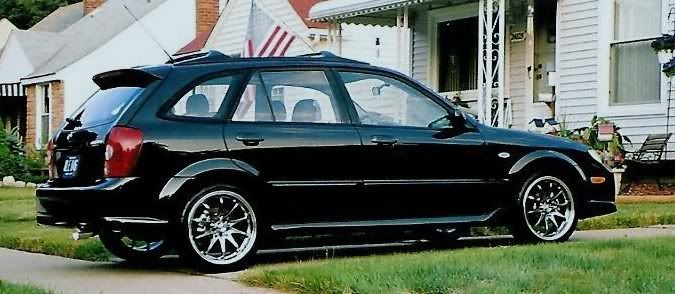
Protege5001.jpg
 

Attachments

  • 944.webp
    944.webp
    113.7 KB · Views: 200
Last edited:
upload photos to a site like photobucket, then when posting open another tab in your browser and open photobucket, click on the IMG code under the pic you want to copy, then switch back to the forum tab and click the insert image button and paste it in the window provided, make sure to delete the extra at the begining and end of the code if your pasted code looks like this:
[IMG][IMG] code here [/IMG], it should look like this:


It's pretty easy, I think when you sign up for photobucket it asks you what size you want to upload photos and you can chose one appropriate for forums.

That'll be $20 by paypal to me thanks!!!!(rockon)
 
You can upload images directly to the forums by going to your user CP, scrolling down and clicking on Upload files. Then copy the link, put it in
 
Unfortunately that uploader sucks compared to photobuckets, you can't see any of your pics, it's slow, can only upload 4 at a time...etc! I know i made a long explanation but its so easy once you try it. Try both ways and see what you like and go from there!!!(2thumbs)

 
I think I got tit!

http://i275.photobucket.com/albums/jj298/br289165/Protege5001.jpg[/IMG]
 
Man I
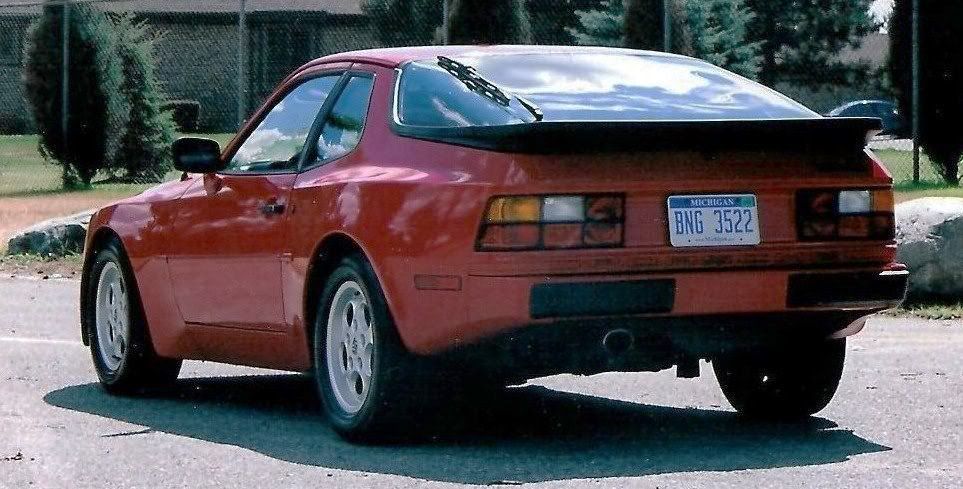
944P5001-3.jpg
can be a silly f'r sometimes when I learn something new. Anyways how do I get rid of the http crap on the bottom of the picture? Thanks again
 
Man I can be a silly f'r sometimes when I learn something new. Anyways how do I get rid of the http crap on the bottom of the picture? Thanks again

I think thats your signiture... add in front of it

hence : [IMG]http://i275.photobucket.com/albums/jj298/br289165/944.jpg

but the pic is to big so I dought u could use it
 
LOL! It's like watching animal just born, try and get up and walk!!! You got it bro!(poke)
 

New Threads and Articles

Back